Support
The most important information about DevCom diagnostics.
Whether you have Troodon OBD Basic for your home workshop or the top-of-the-line TSPro 10 multi-brand diagnostics, here you will find everything you need to ensure that your diagnostics serve you long and reliably. And if anything goes wrong, just write or call us and we will take care of everything.
DevCom Portal
All information about your diagnostics at your fingertips. The DevCom diagnostics portal allows you to manage updates for your diagnostics, order new update packages and available software extensions for your diagnostics. Simply register your diagnostic device and you will never miss an update or new feature again.
Software updates
Have you purchased an update and don't know how to install it? Just click on the button below to go to the update information and installation instructions. It's easy, and even with our largest software packages, you'll be done in half an hour. And if you still need to purchase an update, register your diagnostics on the DevCom Portal or contact your dealer.
Instructions and software
Are you looking for instructions for your diagnostics, do you need to install Diag Center software on your computer, or are you looking for our mobile app? Click the button below and download everything you need to work with your Troodon or TSPro diagnostics.
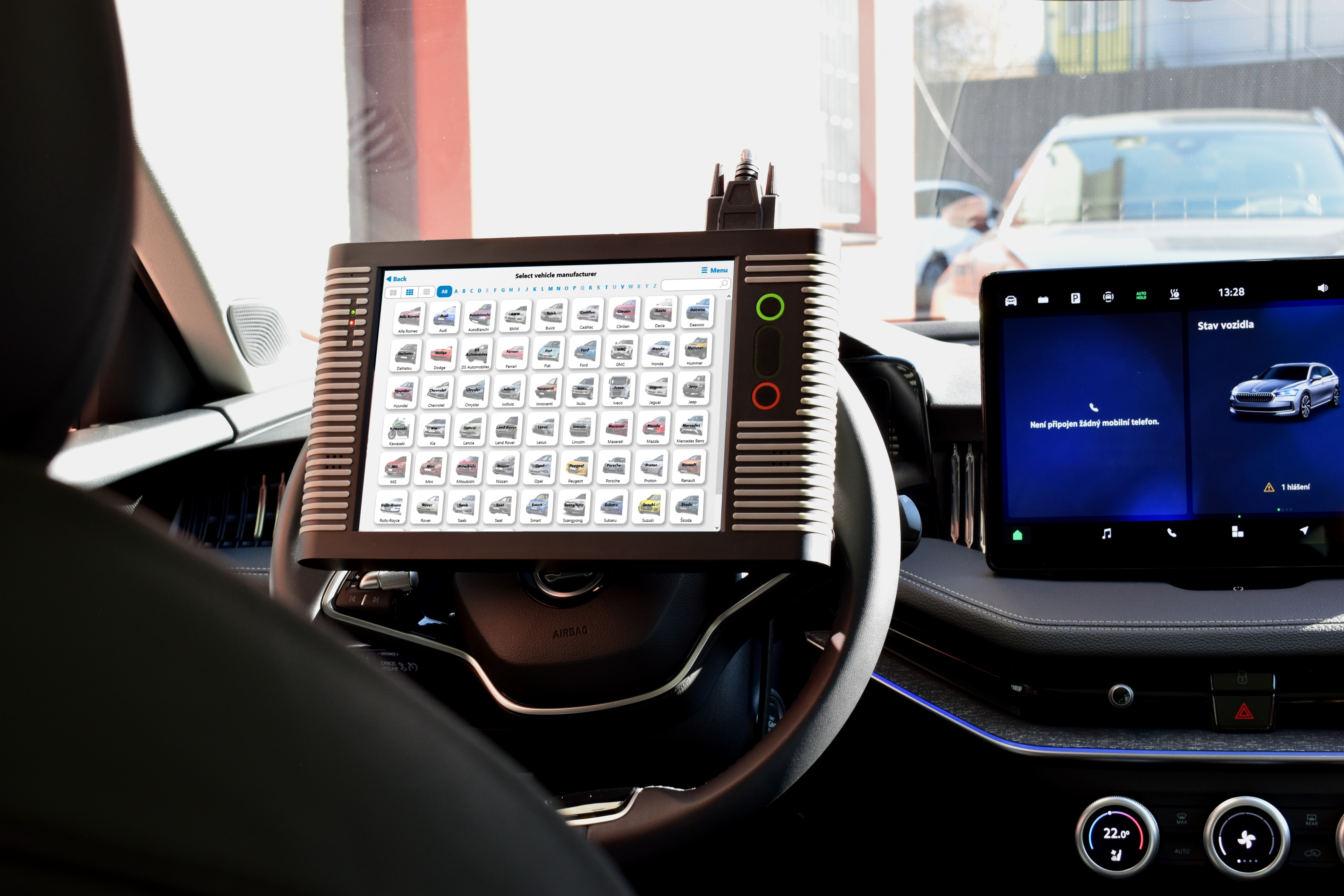
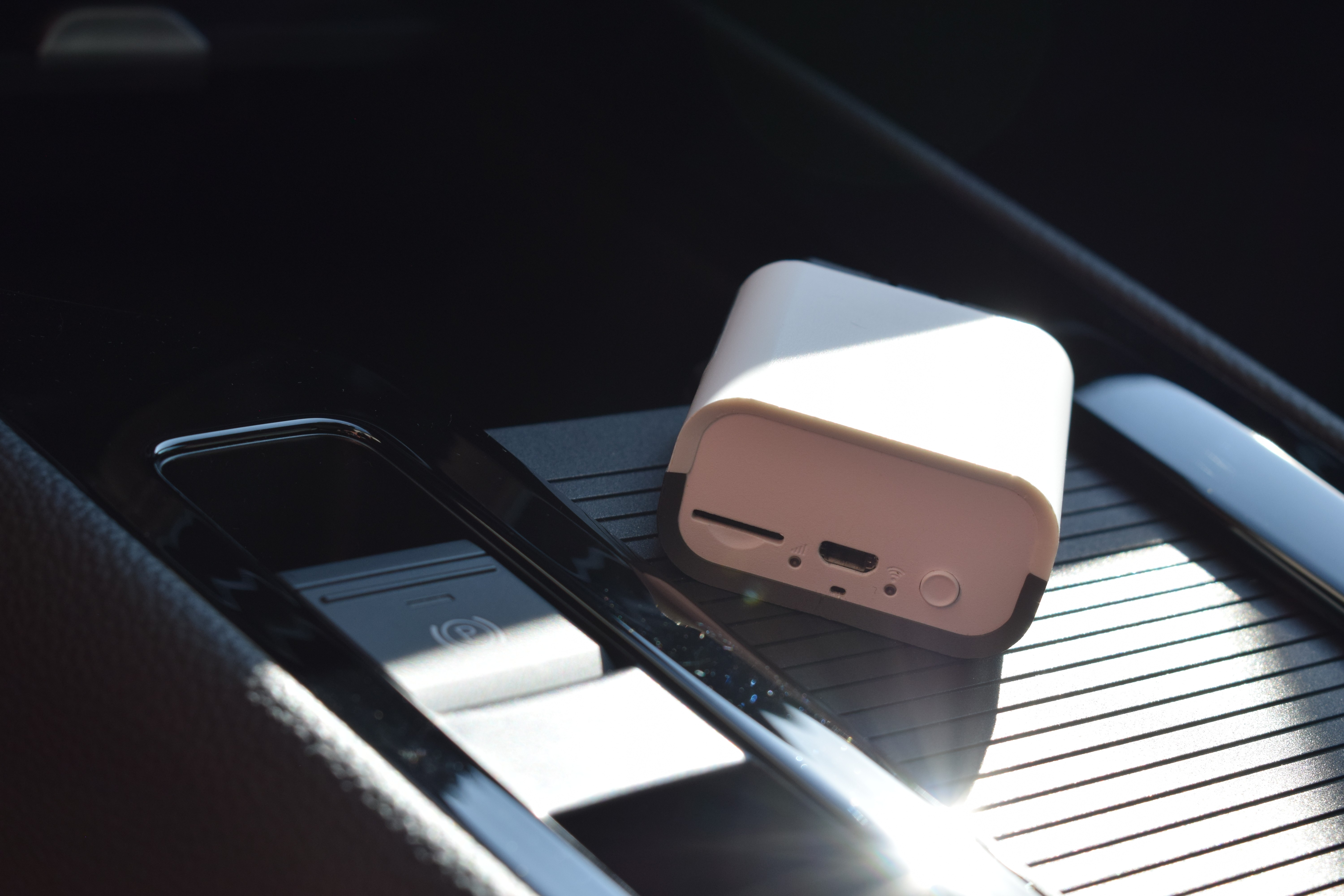
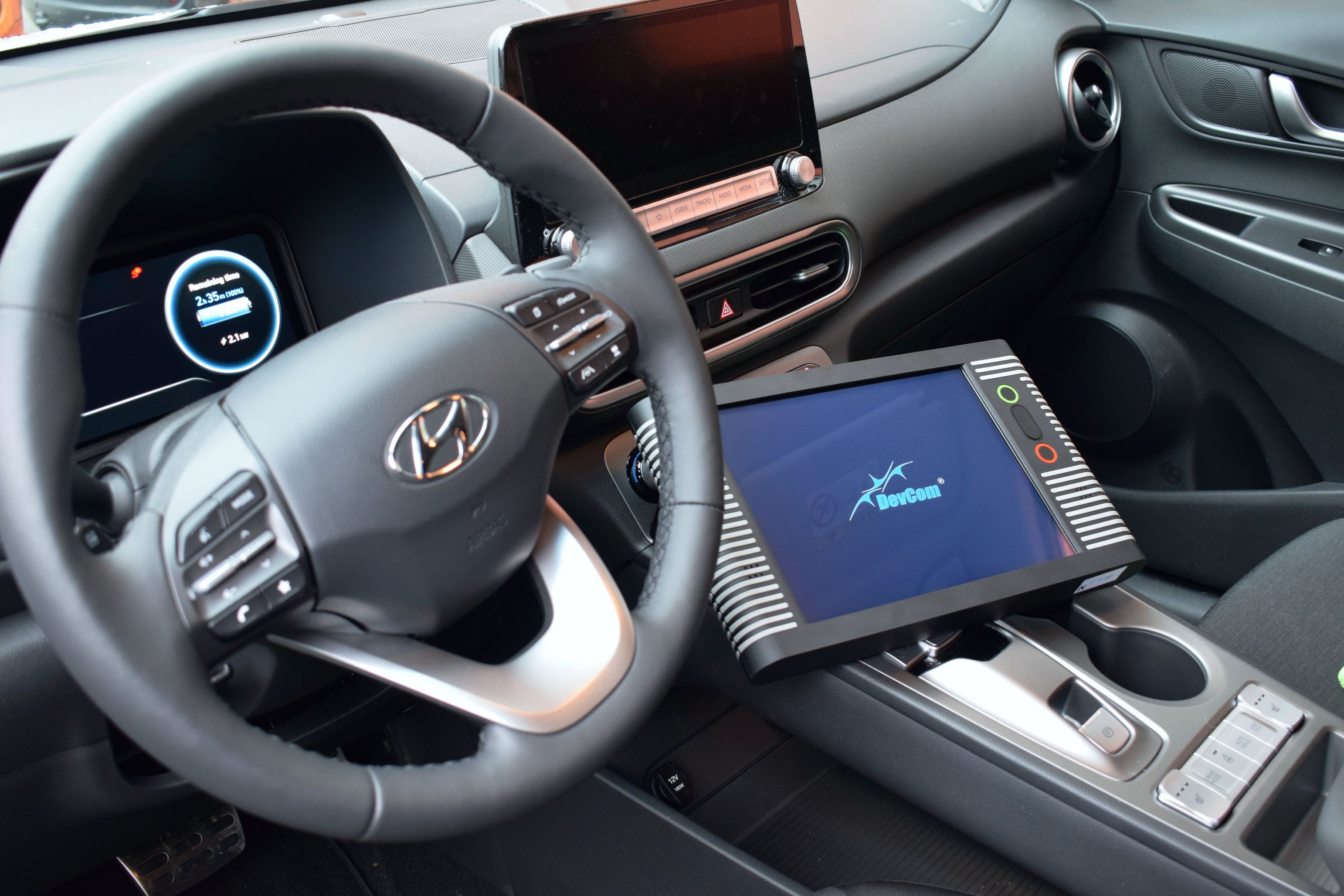
Everything we do follows one main rule: diagnostics must serve you — not the other way around. That’s why we focus on easy operation, intuitive navigation, and technical support whenever you need it.
Our Most Popular Diagnostic Solutions
Simple yet feature-packed diagnostic tools for enthusiasts, solutions for trucks and buses, or comprehensive diagnostics for all passenger cars and commercial vehicles. These combinations of our diagnostic solutions are among the most popular and can be found in our EOBD.cz e-shop.
And if you didn't find what you're looking for there, simply get in touch using the form below. We're always happy to advise you and put together a diagnostic solution tailored precisely to your needs.
Troodon OBD Basic Diagnostics
+ software CAR Basic
- Simple interface for one selected brand
- Support for SGW, DoIP and Remote diagnostics
- Fast and seamless diagnostics directly from your PC or mobile device
- Accessible solution for home use and travel
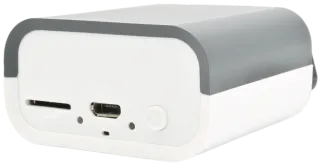
Troodon OBD Pro Diagnostics
+ software TRUCK/TRAILER/BUS One
- A professional diagnostic interface that can be expanded with additional vehicle brands
- Support for SGW, DoIP and Remote diagnostics
- Support for both new and older vehicles
- Fast and seamless diagnostics directly from your PC or mobile device
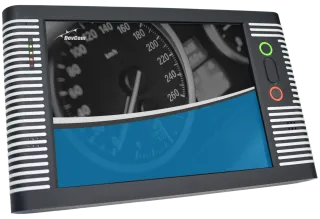
TSPro 10 Diagnostics
+ software CAR Multibrand
- Complete diagnostics in a single device with various expansion options
- Support for SGW and DoIP
- Support for both new and older vehicles
- High-end solution for larger workshops
Do you have a question, would you like to order directly or need a custom quote based on your workshop needs?
We will be happy to advise you, help you and send you a quote based on your needs. Just fill in and submit the form below.